In this page
In short
- There are two kinds of QR menu: a page to read, and a menu guests order from, which sends their order to the POS and the kitchen.
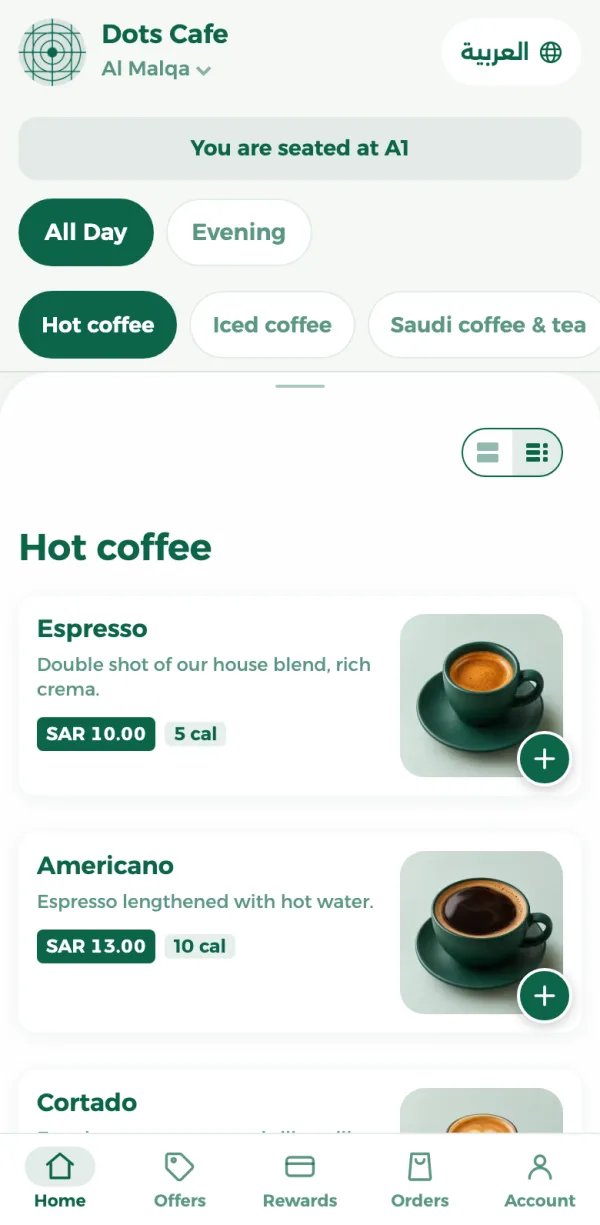
- A code for each table puts the order on its table without anyone asking for the number.
- Show each item’s allergens: the Saudi Food and Drug Authority has required them on menus since 1 October 2019.
A menu to read, or a menu to order from
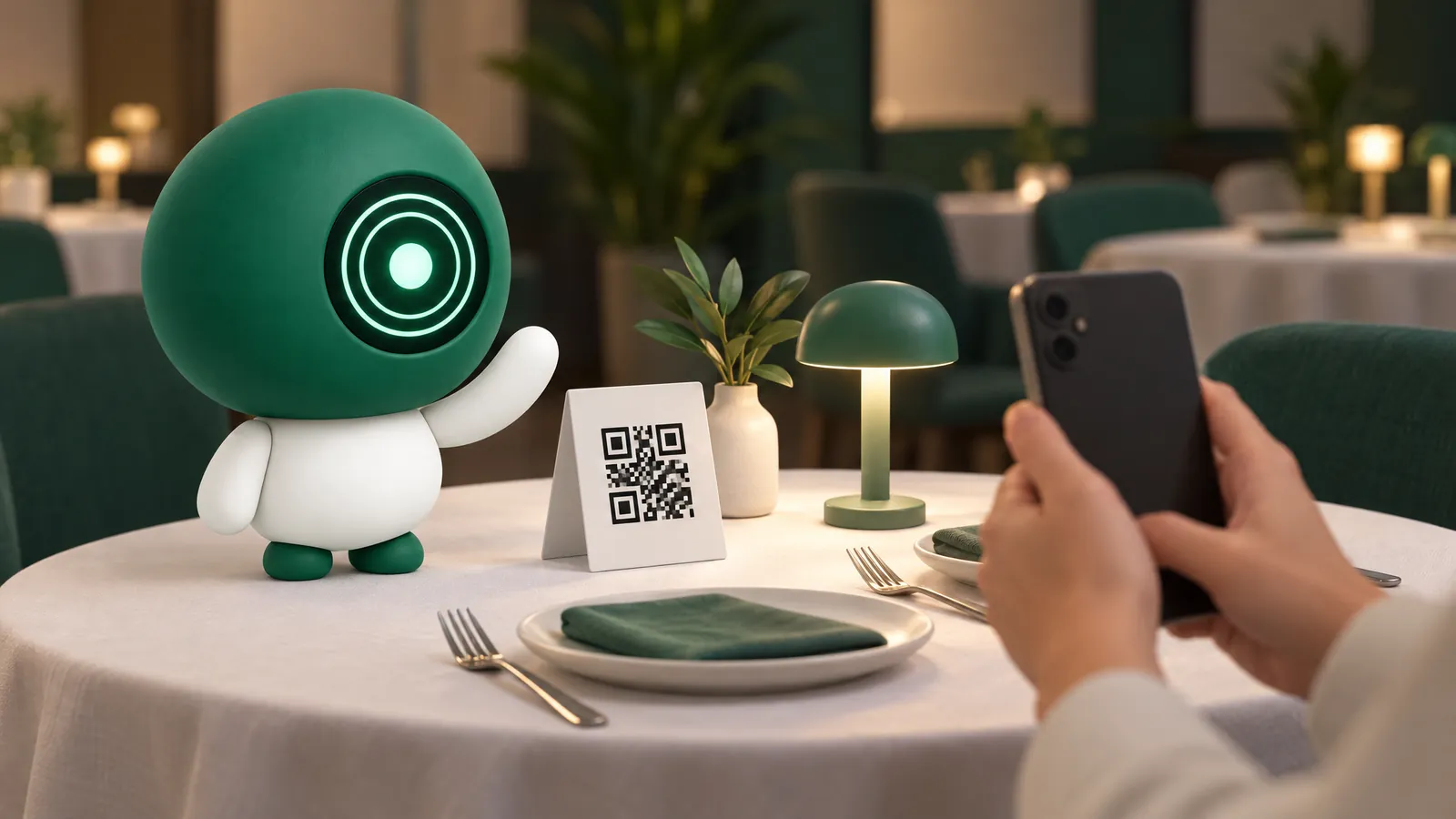
Many restaurants put up a code that opens a picture of the menu or a file to read. It saves printing, but the order still goes through a waiter.
- A menu to read: the guest sees the items and prices, then waits for someone to take the order.
- A menu to order from: the guest chooses and orders from their phone, and the order reaches the POS and the kitchen without being written down again.
What every item should show
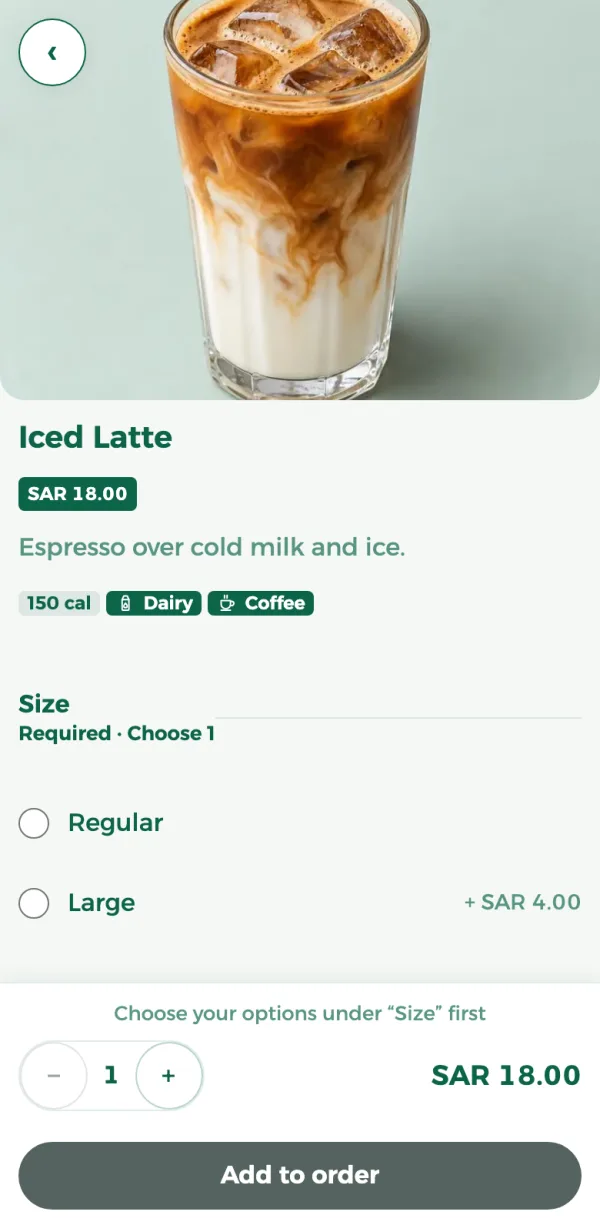
- Its name in Arabic and English, a photo and a short description.
- The price with VAT included.
- Sizes and extras, written as they are on the POS.
- Calories.
- Allergens.
On 1 September 2019 the Saudi Food and Drug Authority announced that, from 1 October 2019, food businesses, restaurants and coffee shops among them, must show allergens on their menus, permanently, clearly and in Arabic.
In dots POS each item has its name in Arabic and English, a photo, a description, calories, sizes and extras, and the allergens you choose for it, and all of it shows on the menu. Prices are written with VAT included.
From the table to the kitchen
- The guest scans their table’s code with the phone camera, and the menu opens in the browser with the table already known, with no app to download.
- They choose items, sizes and extras, and add a note for the kitchen if they want.
- They enter their phone number and a verification code sent to it, then send the order.
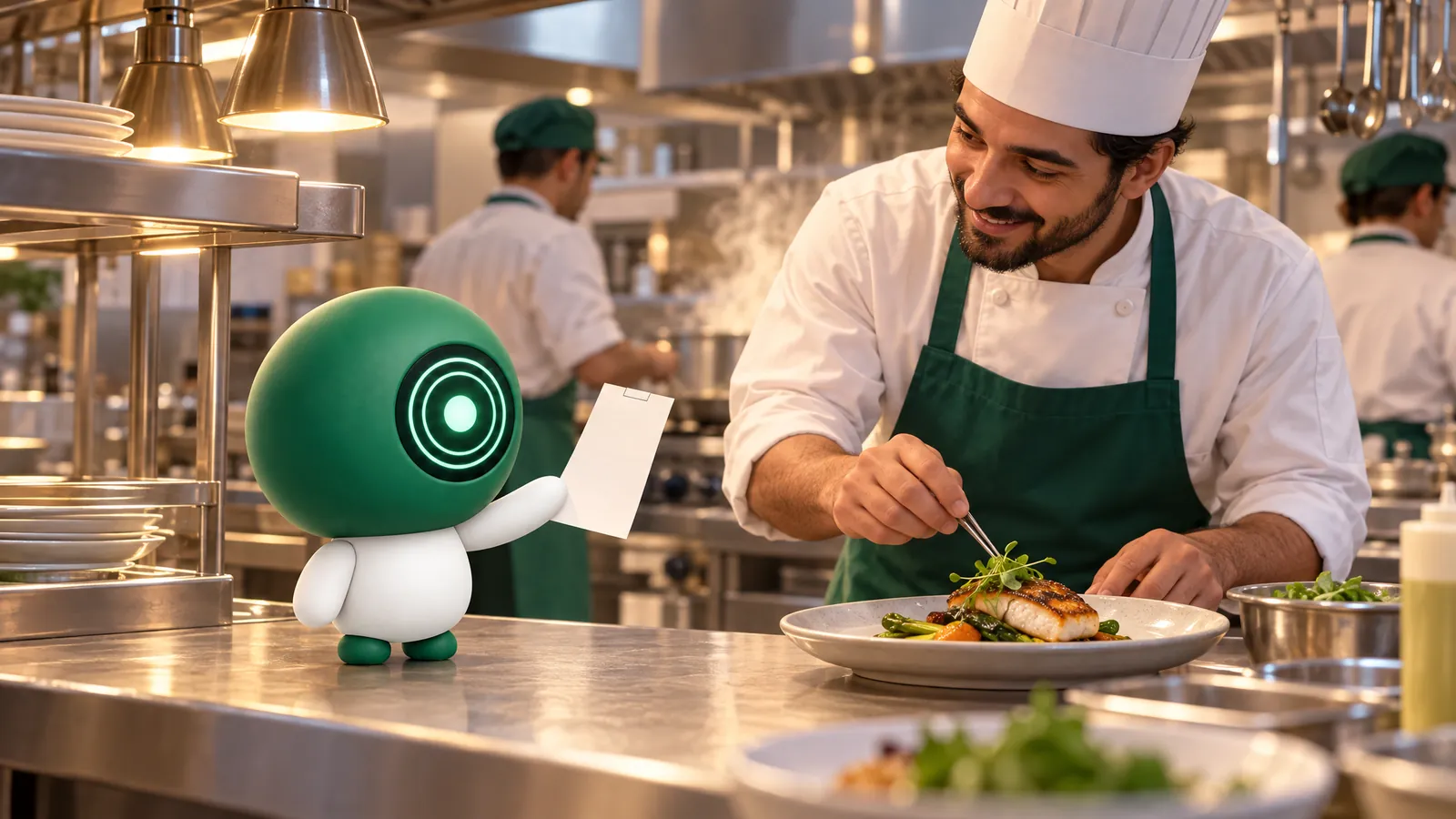
- The order alerts the POS with a sound, and is accepted or refused from the POS, the dashboard or the dots Teams app. Table orders can be accepted automatically.
- Once accepted, each kitchen station gets its ticket.
The guest pays at the counter. From the same menu, guests can also order for pickup at the branch or at their car, or for delivery by your own driver within zones and fees you set for each branch, and pay on pickup or to the driver.
When a price changes or an item runs out
- Edit the item once in the dashboard, and its new name and price show on the menu the next time it opens. A new photo can take up to a day.
- The POS takes the change within ten minutes, or at once from “Sync everything” in its settings. So sync before a new price starts, and the menu and the invoice agree.
- An item you switch off on the POS because it has run out shows on the menu as unavailable.
A code for every table, ready to print
- Add your dining areas and tables, and check that Dine in is on under Order types.
- One save makes a code for every table that does not have one.
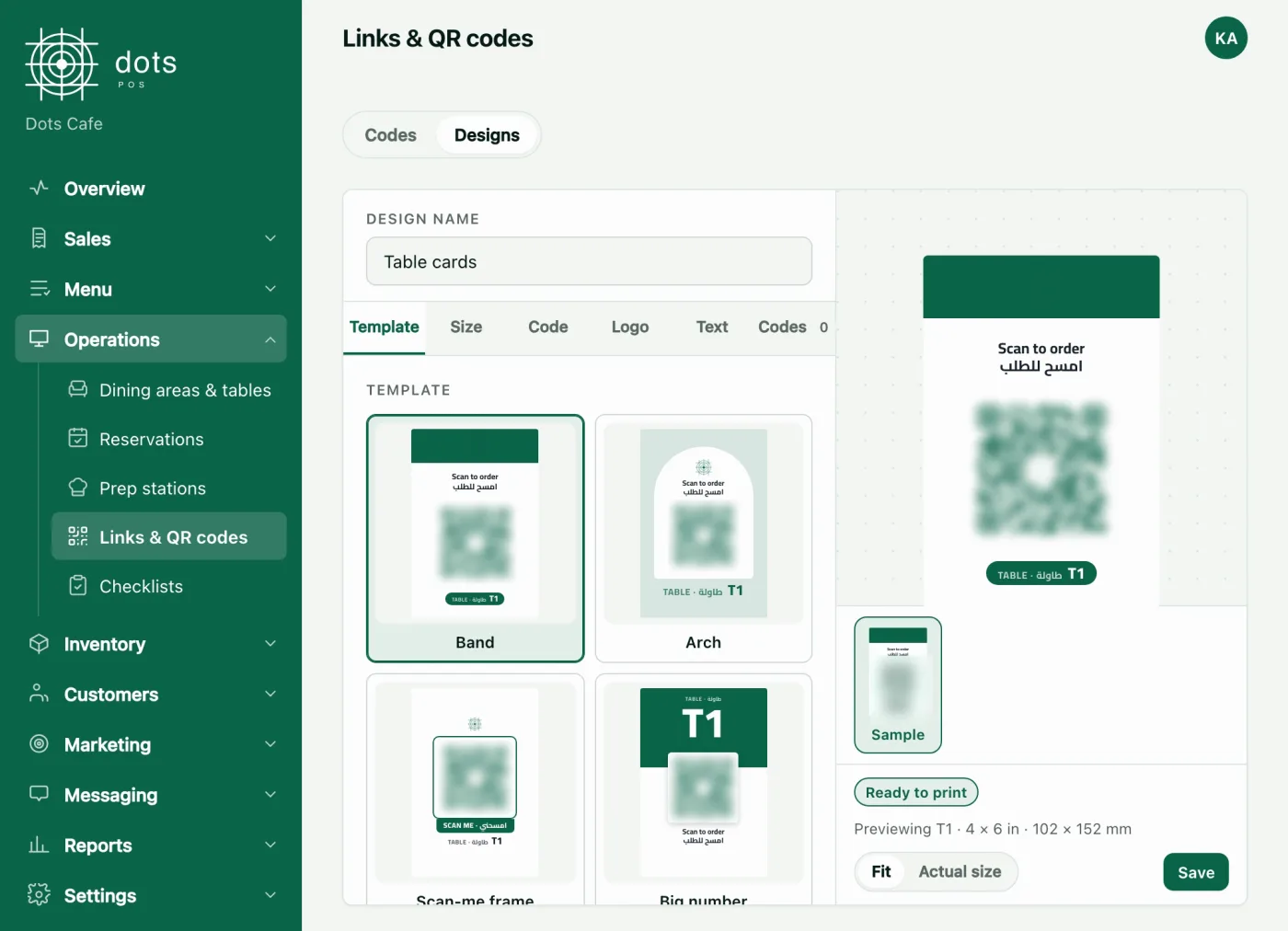
- Download the codes as separate files or all in one zip, or design cards: a table sticker, a table tent, a coaster or an acrylic stand.
- Print at actual size (100%), and test the scan on two or three phones before printing the rest.
A code keeps its number when you move or rename a table, so switch it off rather than delete it. A table’s code is for ordering at that table only.
What the menu adds after the order
- Guests use a discount coupon, and spend their points when they order from the menu, once you turn loyalty points on.
- The order page shows “Your order is ready” and updates by itself.
- Booking a table from the menu is in the POS Advanced plan.
What it costs
The menu and ordering from it are in every plan, from the POS plan: SAR 99 a month for the first branch, VAT included, each further branch at half price, and SAR 950 a year for one branch paid yearly. Booking tables from the menu is in POS Advanced: SAR 299 a month for the first branch.
Questions
What does a guest need to order from the menu?
Only their phone: the menu opens in the browser from the camera, with no app, and then they enter their phone number and a verification code sent to it.
Do calories and allergens show on the menu?
Yes, once you add them to the item: calories on the item’s card and its page, and allergens on its page.
Is the QR menu free in dots POS?
It is not sold on its own: it is in every plan, from SAR 99 a month for a branch.
Can a guest order for pickup from a table’s code?
No. A table’s code is for ordering at that table only; for pickup and delivery, guests open your menu’s address.
Source: The Menu, QR codes and Order types screens in the dots dashboard, the guest menu, and the Saudi Food and Drug Authority on allergens.