A QR menu your guests order from, straight to your POS and kitchen
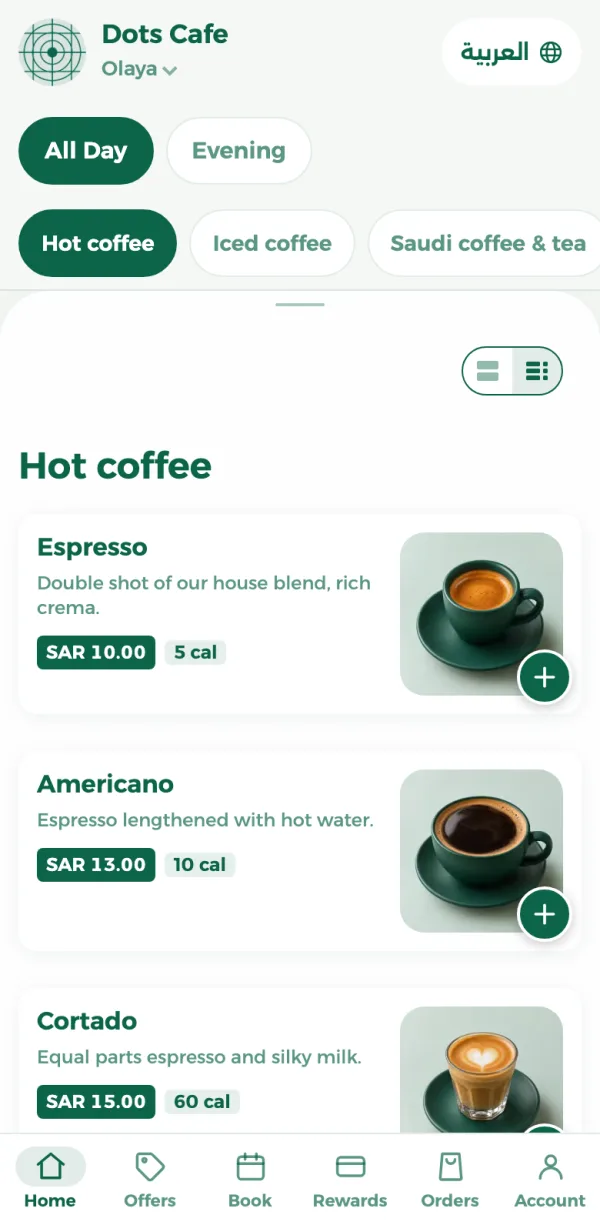
Guests scan the table's code and your menu opens on their phone, no app to download. They order to their table, for pickup or for delivery. The order alerts your POS, and each kitchen station gets its ticket.
From SAR 99 a month per branch, VAT included


ZATCA-compliant · Phase 1 and 2
- No app to download
- The code knows the table
- Pickup and delivery
- Arabic and English
- A ticket per station
Guests waiting for a waiter to order?
Guests order from their table
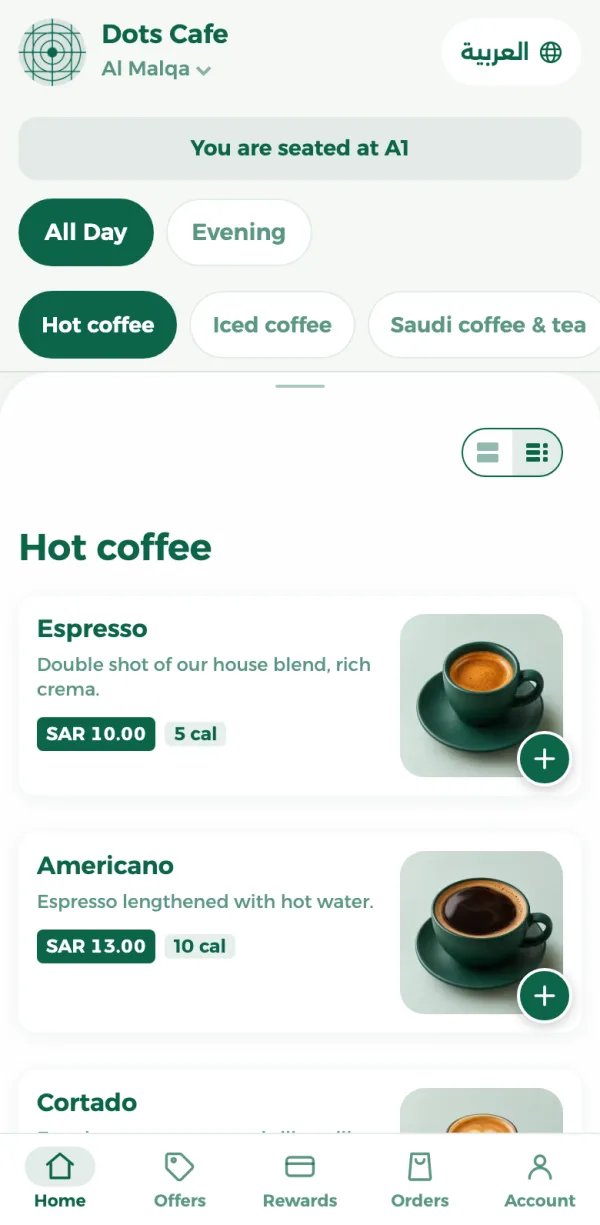
Every table has a QR code that opens the menu with the table already known, so guests choose their items and extras and send the order without waiting for anyone.
- The order lands on their table by itself
- Sizes, extras and a note for the kitchen
- They pay at the counter
Online orders on the phone and on paper?
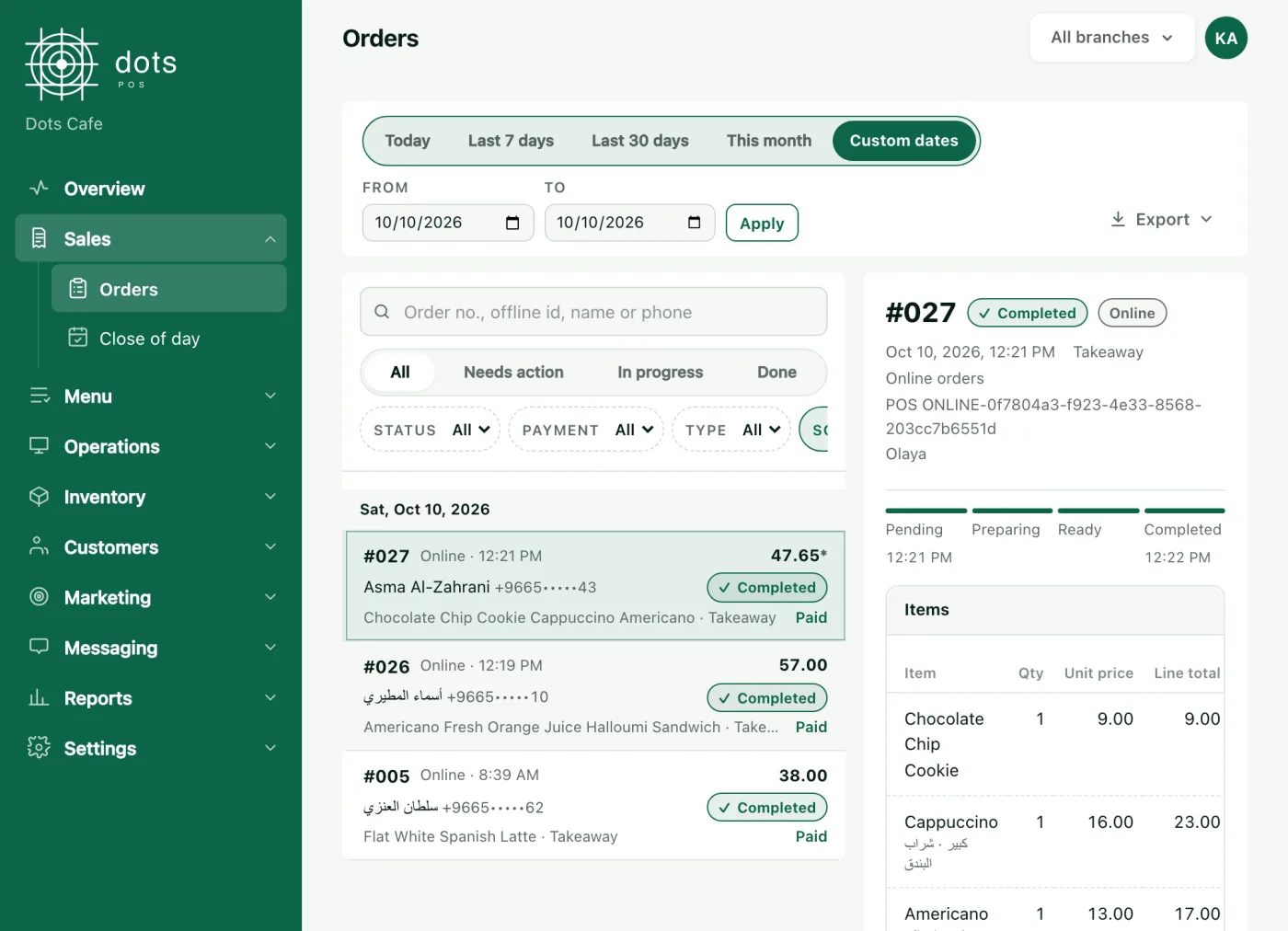
Every order in one place, printed in the kitchen
A new order alerts the POS with a sound, you accept or refuse it, and accepting prints each station its ticket. Table orders can be accepted automatically if you like.
- Accept from the POS, the dashboard or the dots Teams app
- Pickup at the branch or at the car, by its colour and plate
- Delivery by your own driver, with zones and fees per branch
The printed menu is out of date?
Change an item once, the menu changes at once
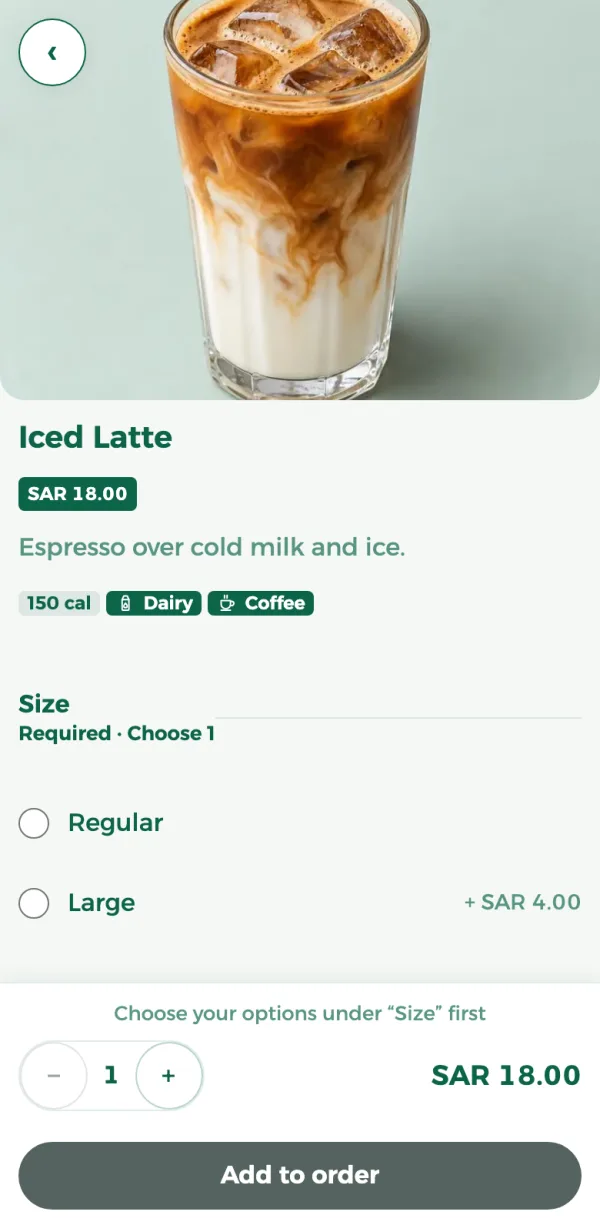
Edit an item, its price or its photo in the dashboard and the menu shows it straight away. When something sells out, switch it off on the POS and guests see it's unavailable.
- A photo, description and calories for every item
- Allergens
- An Arabic and an English name for every item
A QR code on paper that looks nothing like your place?
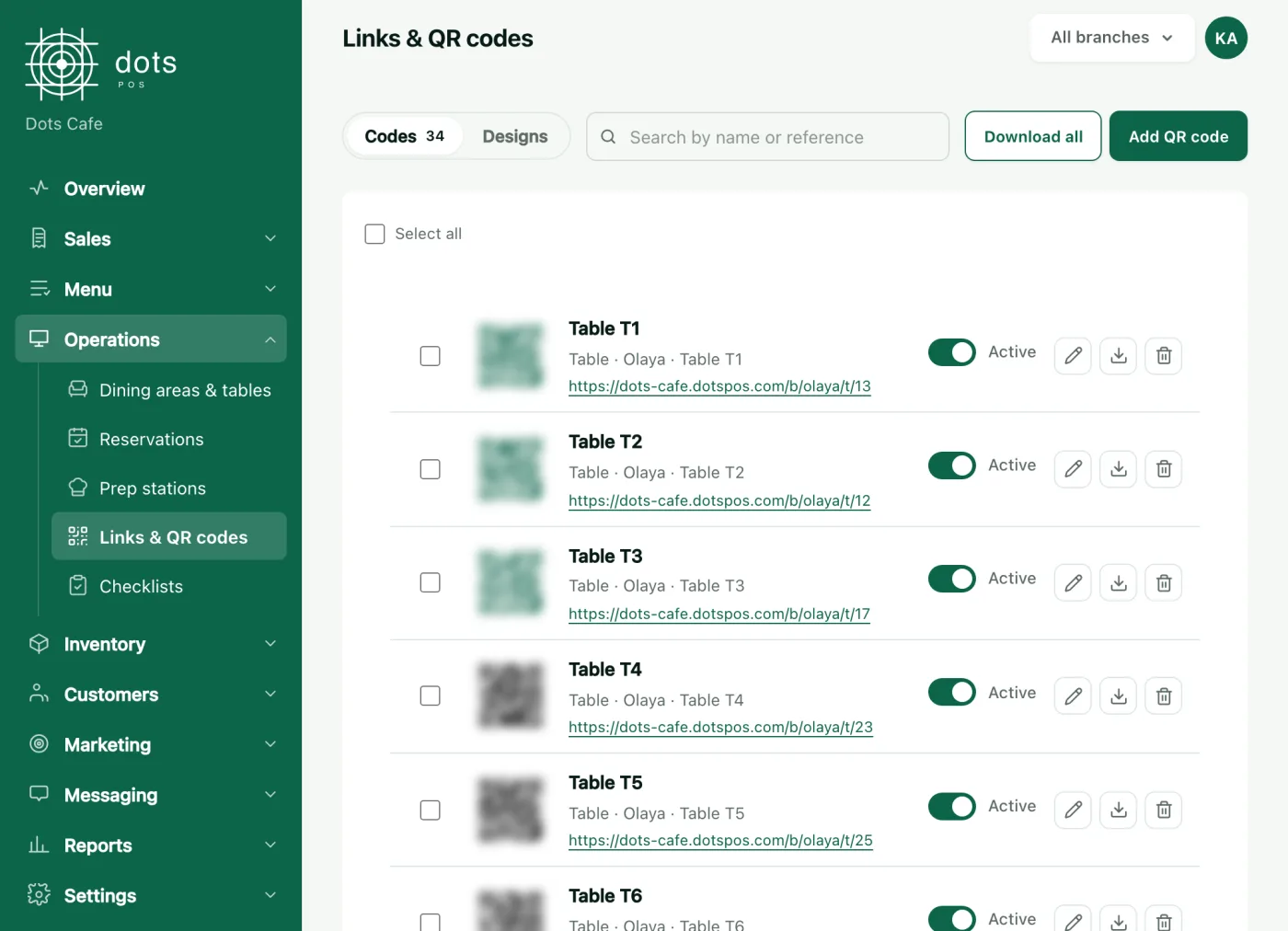
A code for every table, ready to print
Codes for tables, the menu and bookings. Download them, or design their cards with your logo: a sticker, a table stand or a coaster.
Everything your digital menu needs
No app to download
The menu opens from the phone camera, and guests sign in with their number and a code when they order.
Arabic and English
The menu opens in Arabic and switches to English in a tap, with names you write.
Coupons and loyalty points
Guests use a discount coupon and spend their points rewards when they order.
"Your order is ready"
Guests see on their phone that their order is ready to collect, and the order page updates itself.
A ticket per station
An accepted order prints at its kitchen station, once per station.
Booking from the menu
Guests book a table from the same menu.
In the POS Advanced plan
The menu is in every plan, from POS
POS
99SAR a month per branch, VAT included
Each extra branch is half price, and paying yearly saves 20%.
- Selling, tables and kitchen tickets
- QR menu with table, pickup and delivery orders
- ZATCA invoices: Phase 1 and 2
- Discounts, coupons and loyalty points
Questions about the digital menu
Do my guests need to download an app?
How do guests pay?
Does the order reach the kitchen?
Which plan has the menu and online ordering?
More features
Your menu on every table, its orders on your POS
From SAR 99 a month per branch, VAT included
Book a 10-minute demo