In this page
In short
- A management system answers five questions every day: what did you sell? Does the drawer match the sales? What is left in stock? What did each item cost? And who did what?
- In dots POS, selling, the kitchen, shifts, close of day and reports are in every plan, and stock and purchasing from POS+.
- Start with the plan you need today: each further branch is half price, and paying yearly takes 20% off.
What does a restaurant management system run?
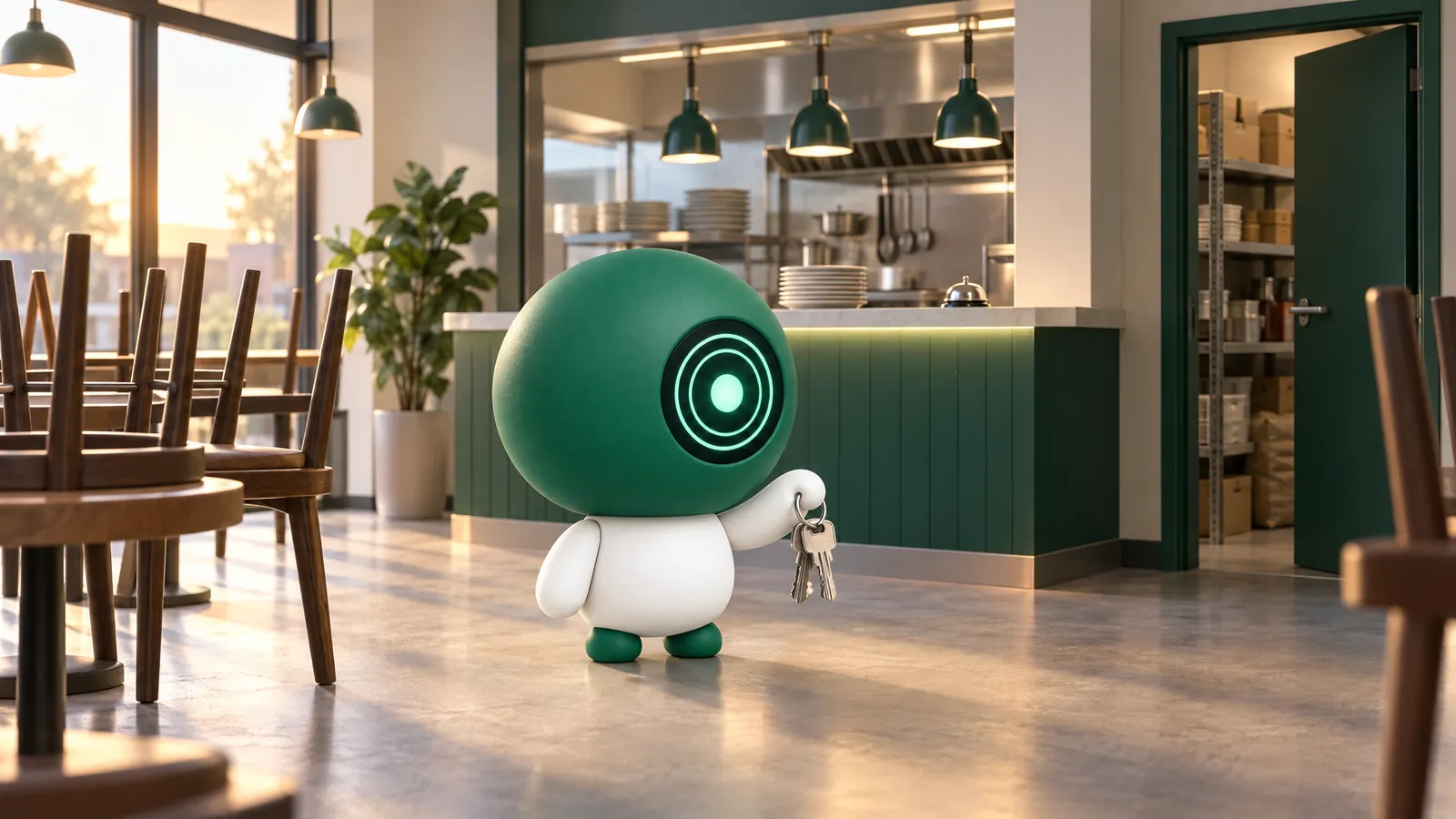
Five areas: the counter and kitchen, cash and close of day, stock and purchasing, reports, and the team. Before you choose a system, write down for each area how you run it today, who runs it and how much of your time it takes, then ask about it as in the sections below.
The counter and the kitchen
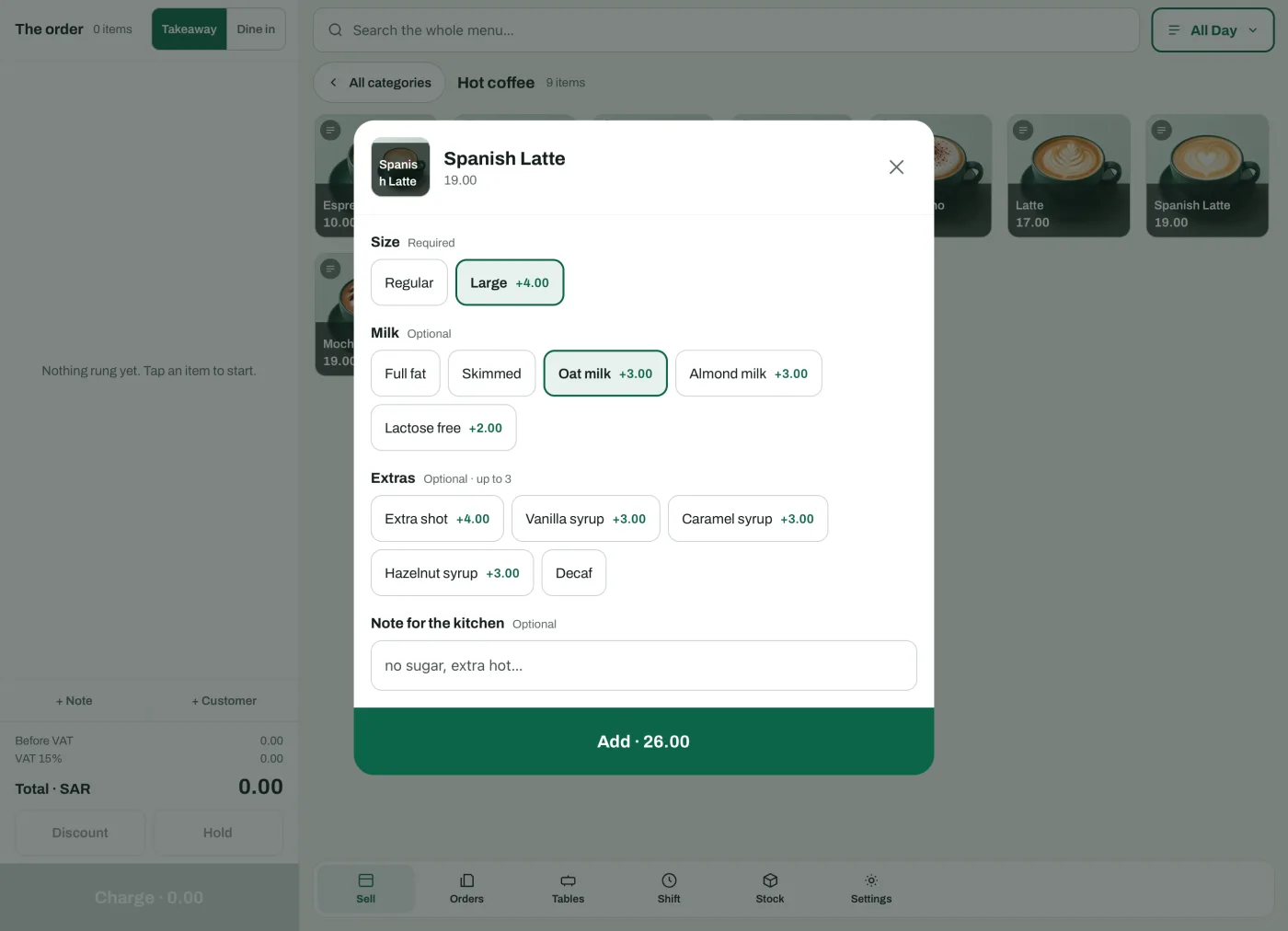
- The cashier picks the item from its photo, then the size, extras and kitchen note in one window.
- Dine in, takeaway and delivery on the same screen, tables on a plan of your floor, and you move a bill or merge two.
- A bill can be split across several payments, in cash and by card.
- Each item prints at its station with the guest’s note, on network thermal printers, and the POS tells you if a ticket did not print.
- If the internet drops, the POS keeps selling and saves every sale on the device, and kitchen tickets print when the connection is back.
Cash and close of day
- You open the shift with the opening float, and record cash in and out with its amount and reason.
- You close it by counting the drawer and the Z report; the day closes with the branch’s last device, and a cash difference never stops the close.
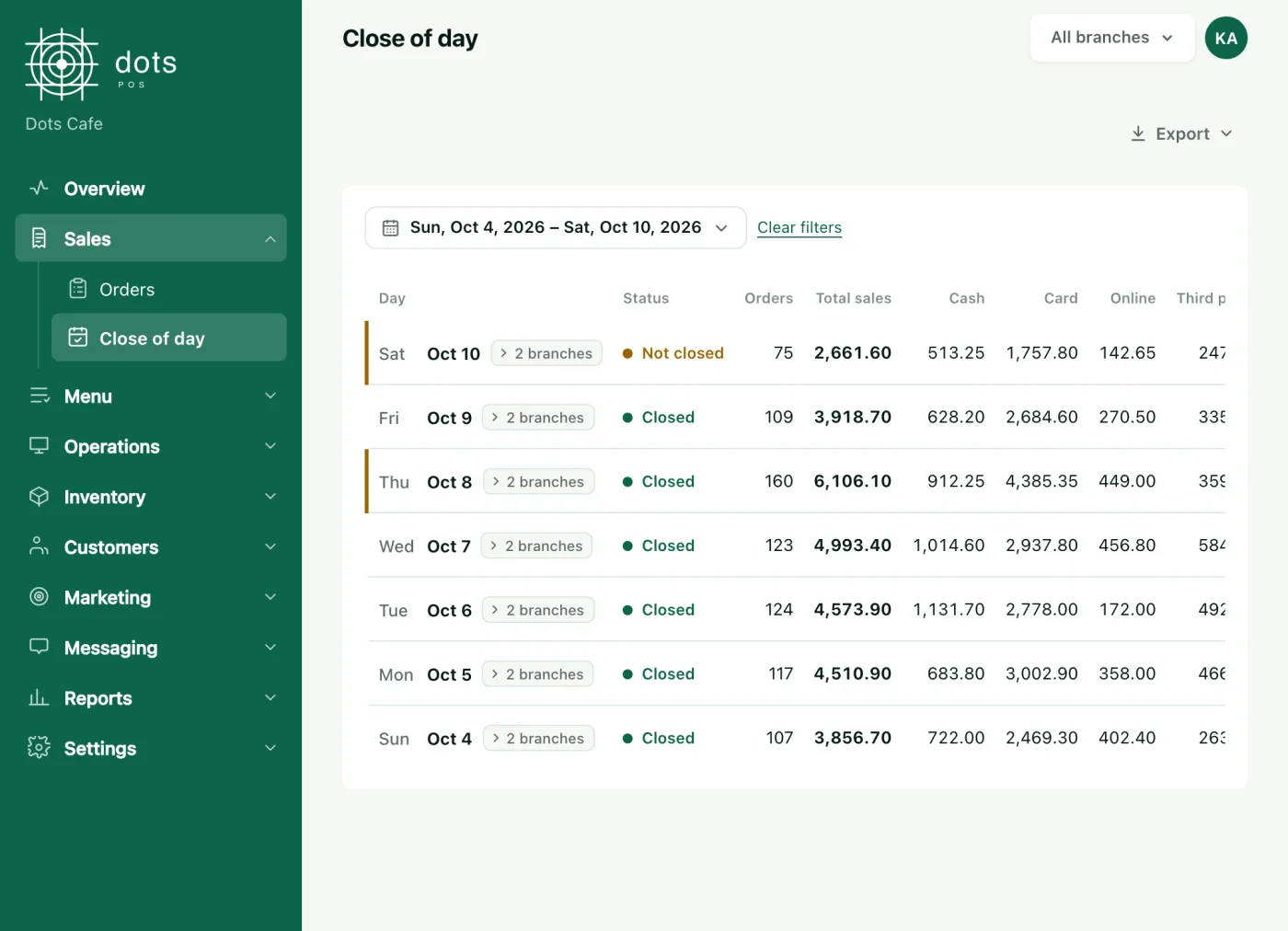
- In Sales › Close of day you see each day’s status, orders and sales as cash, card, online and third party, and the drawer: expected, counted and the difference.
- You export the day summary, or every payment, as an Excel file.
- Delivery app orders are recorded by the cashier under each app’s payment method, so they show apart.
Stock and purchasing
- Each item and each extra has a recipe whose ingredients come off with every sale and every accepted online order, and go back on a refund.
- Your staff count from their phones without seeing the expected figure, and log waste with a photo and a reason.
- A staff member asks, you approve anything above an amount you set, and a purchase order goes out to each supplier.
- On delivery the invoice is recorded, stock is added and the cost updates as a weighted average of invoice prices.
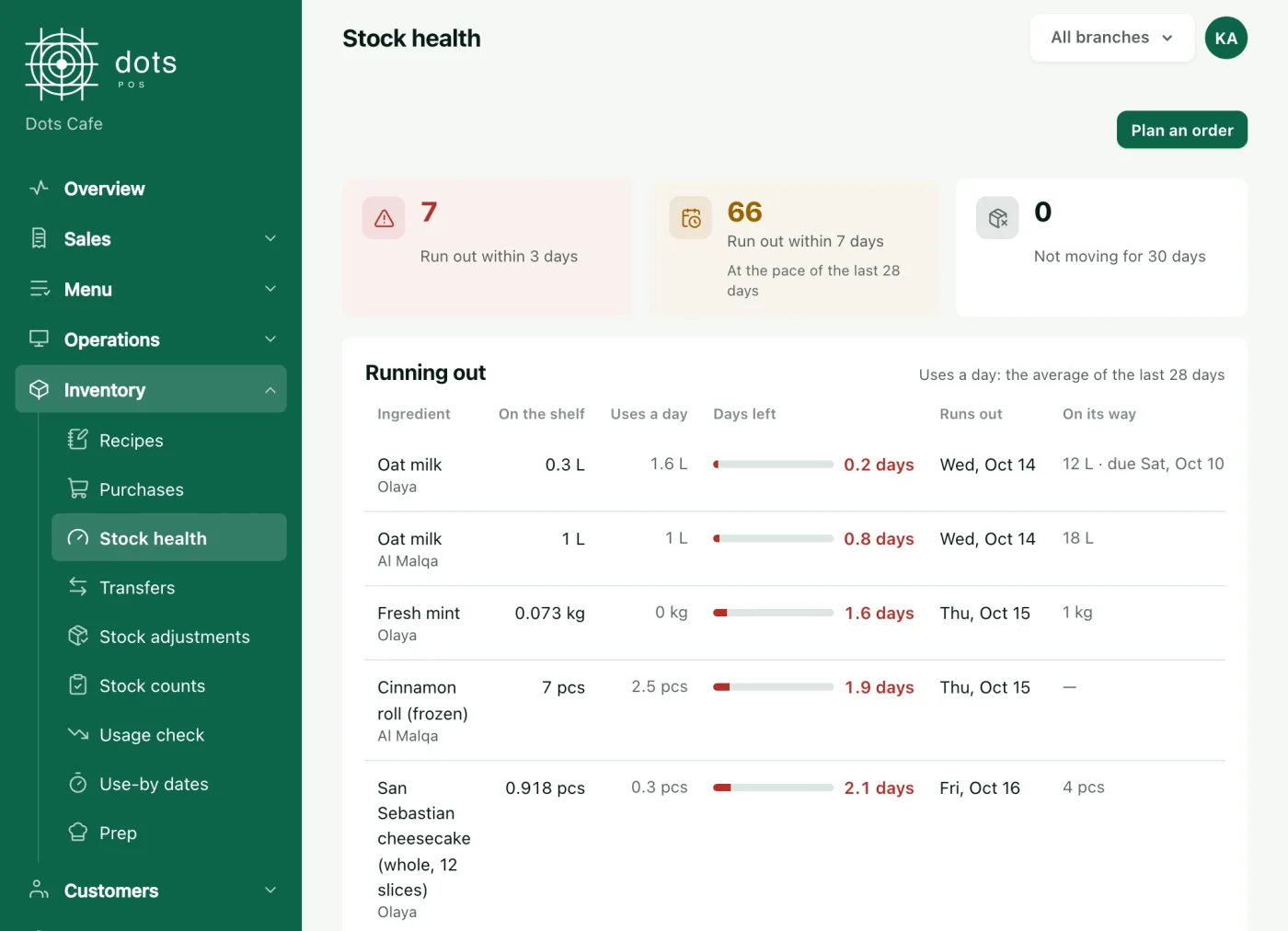
- You see the days left of each ingredient, get a phone alert at its minimum, and move stock between branches.
- And selling never stops when an ingredient runs out.
Stock and purchasing are in the POS+ plan.
The reports you read every day
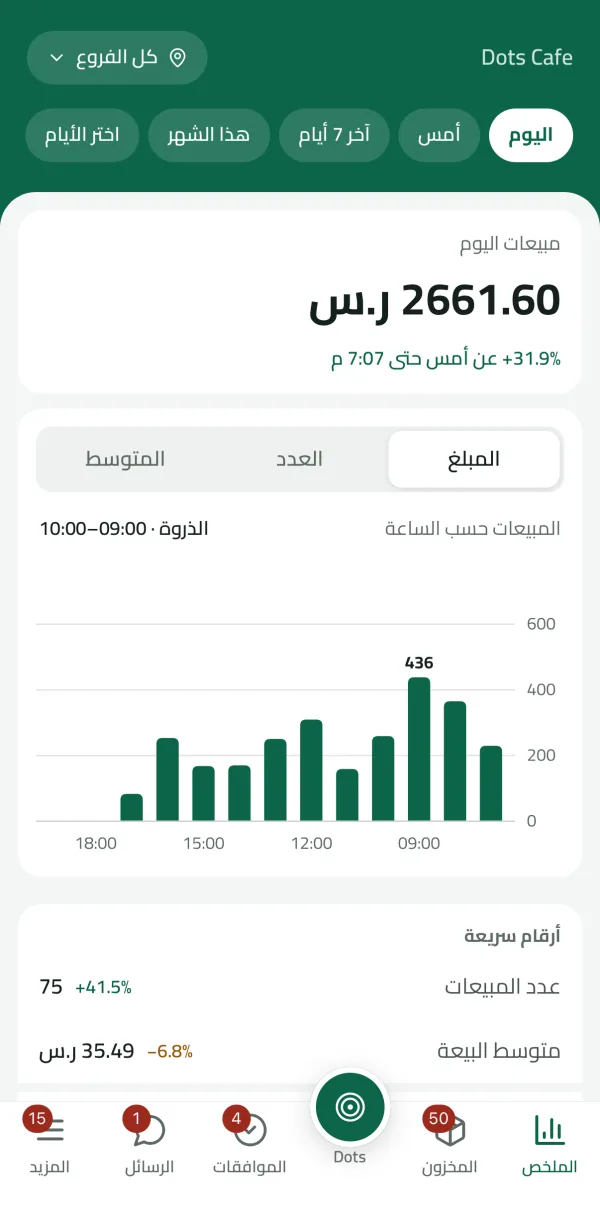
- The close report, sales by hour and best sellers, in every plan.
- The dots Teams app shows today’s sales against yesterday at the same hour.
- Menu performance shows each item’s margin, in POS Advanced.
- Ask Dots answers from your business’s data: twenty questions a month in every plan, and up to 100 a day on POS Advanced.
The team, permissions and approvals
- Each staff member has their own PIN, with permissions by role.
- Cash in and out of the drawer needs no code for the owner or anyone with Manage shifts, and a manager’s code for everyone else.
- Purchase requests, counts, invoices and transfers wait for your approval in the dots Teams app, on POS+.

Which plan is enough for your business
| Plan | A month, first branch | A year, one branch | Each further branch, a month |
|---|---|---|---|
| POS | 99 | 950 | 49.50 |
| POS+ | 199 | 1,910 | 99.50 |
| POS Advanced | 299 | 2,870 | 149.50 |
Yearly is twelve months less 20%, rounded down to the riyal. The online menu and loyalty points are in every plan, stock and purchasing in POS+, and reservations, supplier invoice reading and menu performance in POS Advanced.
Questions
When do I need stock with my POS?
When you want each item’s cost and what is left on the shelf. Recipes, counts, waste and supplier invoices are in POS+.
Can I set what each staff member sees?
Yes. Each staff member has their own PIN, with permissions by role.
Can I export the day’s figures to Excel?
Yes. From Close of day you export the day summary, or every payment, as an Excel file.
Can I approve purchase requests from my phone?
Yes, in the dots Teams app on POS+, and you set the amount above which a request needs your approval.
Source: The POS, restaurants, coffee shops and stock pages on the dots site, the help articles on close of day and printers, and dots POS prices.