In this page
In short
- Your reply on Google is public, in your business’s name, and the reviewer is notified of it.
- Never offer a discount or a gift for changing or removing a review: Google’s policy forbids it.
- An AI draft is a start, not a final reply: check the facts and the promises before you publish.
Why reply at all

Once Google approves your reply, it is posted publicly under the review, as if your business replied, without your personal name. The reviewer is notified, and can still change their review after reading it.
Before you reply
- You must verify your Business Profile on Google before you can reply to reviews.
- Google reviews each reply before posting it, usually within 10 minutes, though it can take up to 30 days.
What makes a good reply
- Professional and polite, clear and helpful.
- Short and simple.
- Not the same thank-you to everyone: focus on reviews where you can share a helpful update.
- No deals or promotions in the reply.
- Never share the reviewer’s private information, and no personal attacks.
Replying to a negative review
- Thank the reviewer.
- Name the exact point they raised.
- Say what you checked or changed.
- Invite them to contact the branch directly.

Example: a review and a draft
- Review (example): “The order was late and the burger arrived cold.”
- Draft (example): “Thank you for telling us, and sorry your order was late and arrived cold. We have gone over it with the kitchen team, and we would be glad to hear more from you at the branch.”
Before publishing, ask: did you really go over it with the kitchen? If not, take that sentence out. Does the draft promise anything you will not do? Is there an offer in it? Is there any detail of the guest’s order or number?
What the draft does in dots POS
- Dots writes a draft reply to a Google review when you ask, and you edit it and publish it from the dashboard.
- No reply is published by itself.
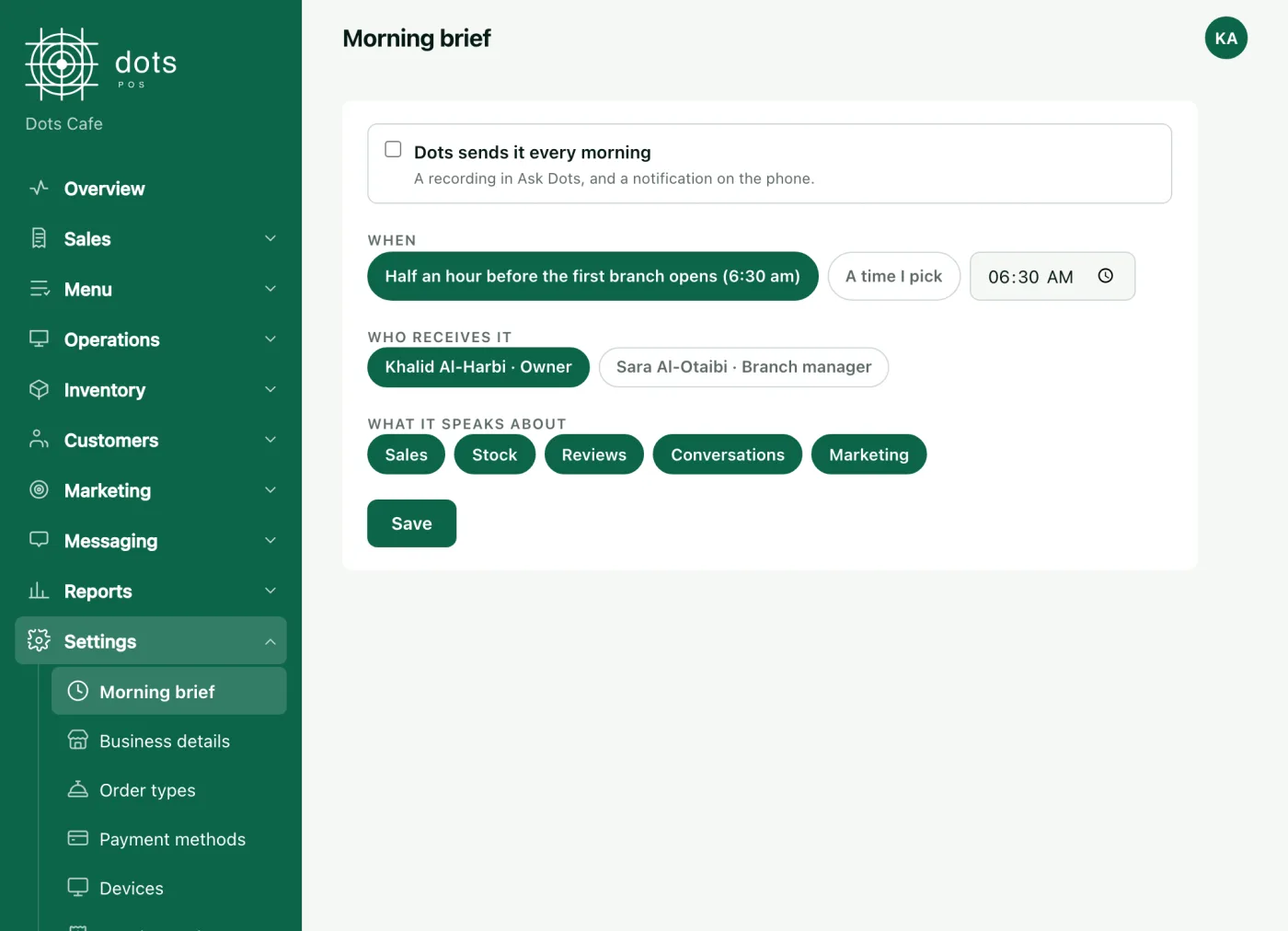
- The morning brief covers reviews branch by branch, and you choose what it covers.
- Ask Dots reads your reviews as your permissions allow, from POS+.
Review reply drafts are in POS Advanced: SAR 299 a month for the first branch, VAT included, or SAR 2,870 a year for one branch paid yearly, and each further branch is half price.
What not to do to get more reviews
- Do not ask only happy guests for reviews.
- Do not discourage or forbid negative reviews.
- Do not ask your staff for a set number of reviews.
- Do not offer anything in return for a review.
- And do not pressure guests to leave a review while they are on the premises.
Google does allow you to invite guests to review you with a Google link or a QR code.
Questions
Should I reply to every review?
Google advises against sending the same thank-you to everyone. Focus on reviews where you can share a helpful update, and on the negative ones.
Should I offer a discount to someone who left a negative review?
Not in exchange for changing or removing it, which Google’s policy forbids, and not as a promotion in the reply.
Does the reviewer see my reply?
Yes. They are notified, and can change their review after reading it.
When does my reply appear under the review?
After Google checks it: usually within 10 minutes, though it can take up to 30 days.
Source: Google’s help pages “Manage customer reviews” and “Tips to get more reviews” and the Google Maps content policy, read on 16 October 2026, the dots agents page, and dots POS prices.