In this page
In short
- How fast the queue moves comes down to the seconds each order takes at the counter, so time them before you add a device or a person.
- What cuts them most: fewer taps per order, a ticket that goes to the barista’s station by itself, and a second POS at the rush.
- And the shortest queue is the one the guest never stands in: they order from the online menu and collect in the shop or at their car.
Where the queue’s minutes go
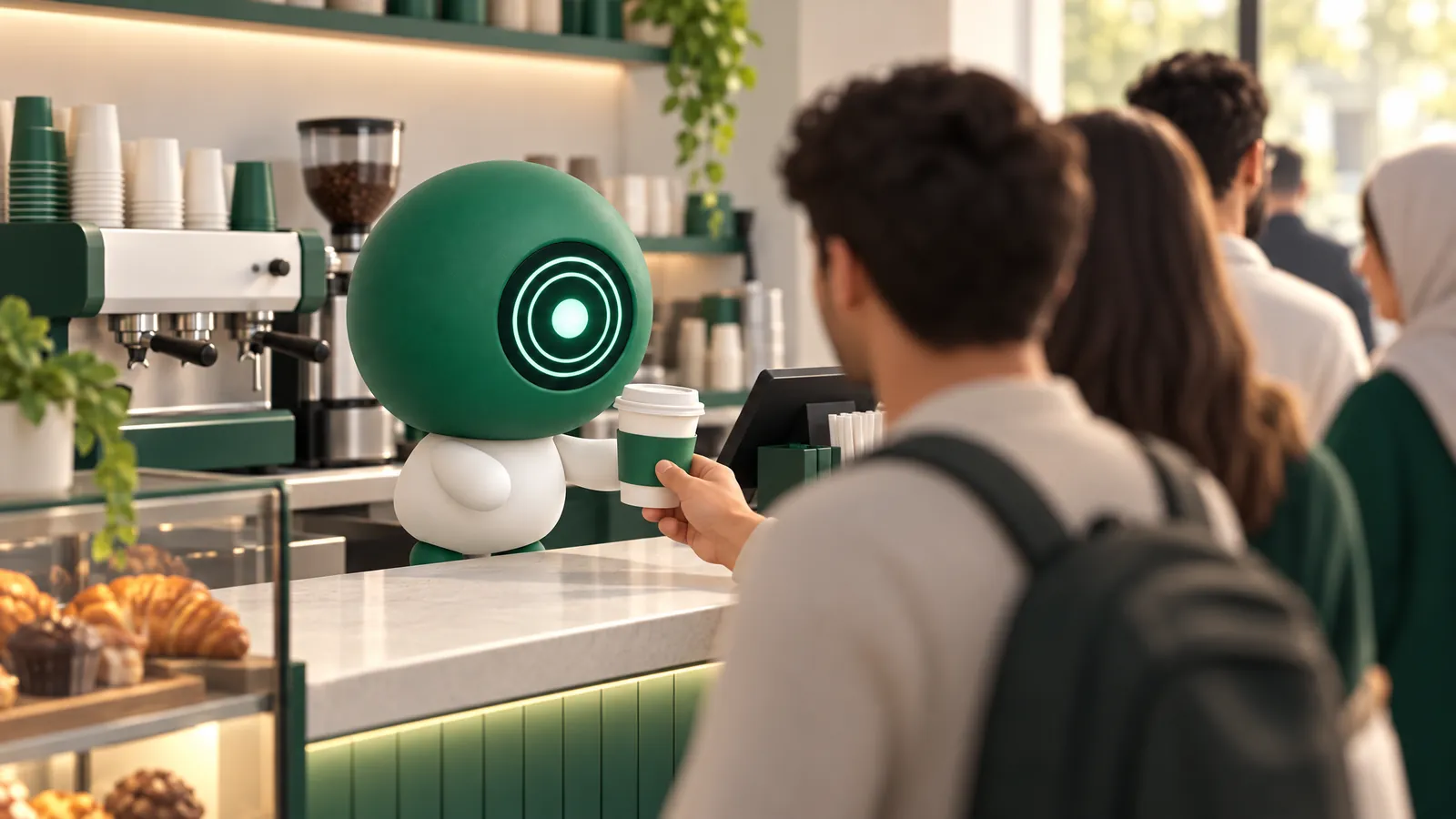
Every order goes through five steps: taking it, the choices of size, milk and extras, payment, making it, and handing it over. Before you change anything, measure: time ten orders at the morning rush on your phone, from the guest’s first word until the bill is paid.
Work out your queue
The most orders one cashier can take in an hour is 3,600 seconds divided by the seconds each order takes.
| Seconds per order | Orders an hour |
|---|---|
| 90 | 40 |
| 70 | 51 |
So 20 seconds less on each order means 11 more orders an hour from the same cashier. A second POS doubles the orders the counter can take, but not what the bar can make, so count the bar on its own.
Fewer taps per order
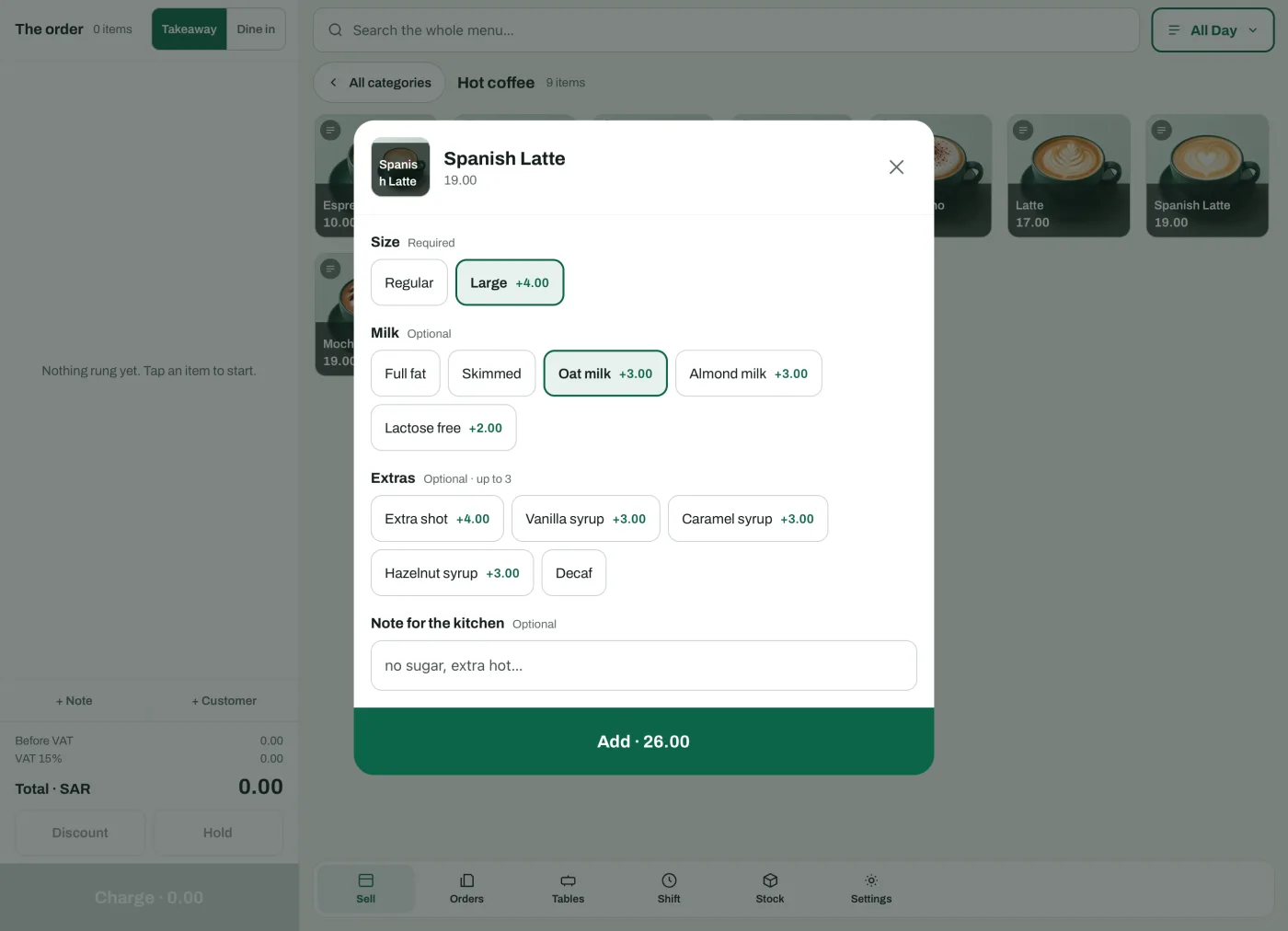
- The cashier picks the item from its photo, then the size, milk, extras and a note for the kitchen in one window.
- The POS picks the first available option in a size group by itself, so put the most ordered size first.
- An item with no option groups goes on the bill in a tap.
- “Free choices” makes the dearest of the chosen extras free, so the cashier never works it out by hand.
- Takeaway, dine in and delivery are on the same screen.
From the counter to the barista without shouting
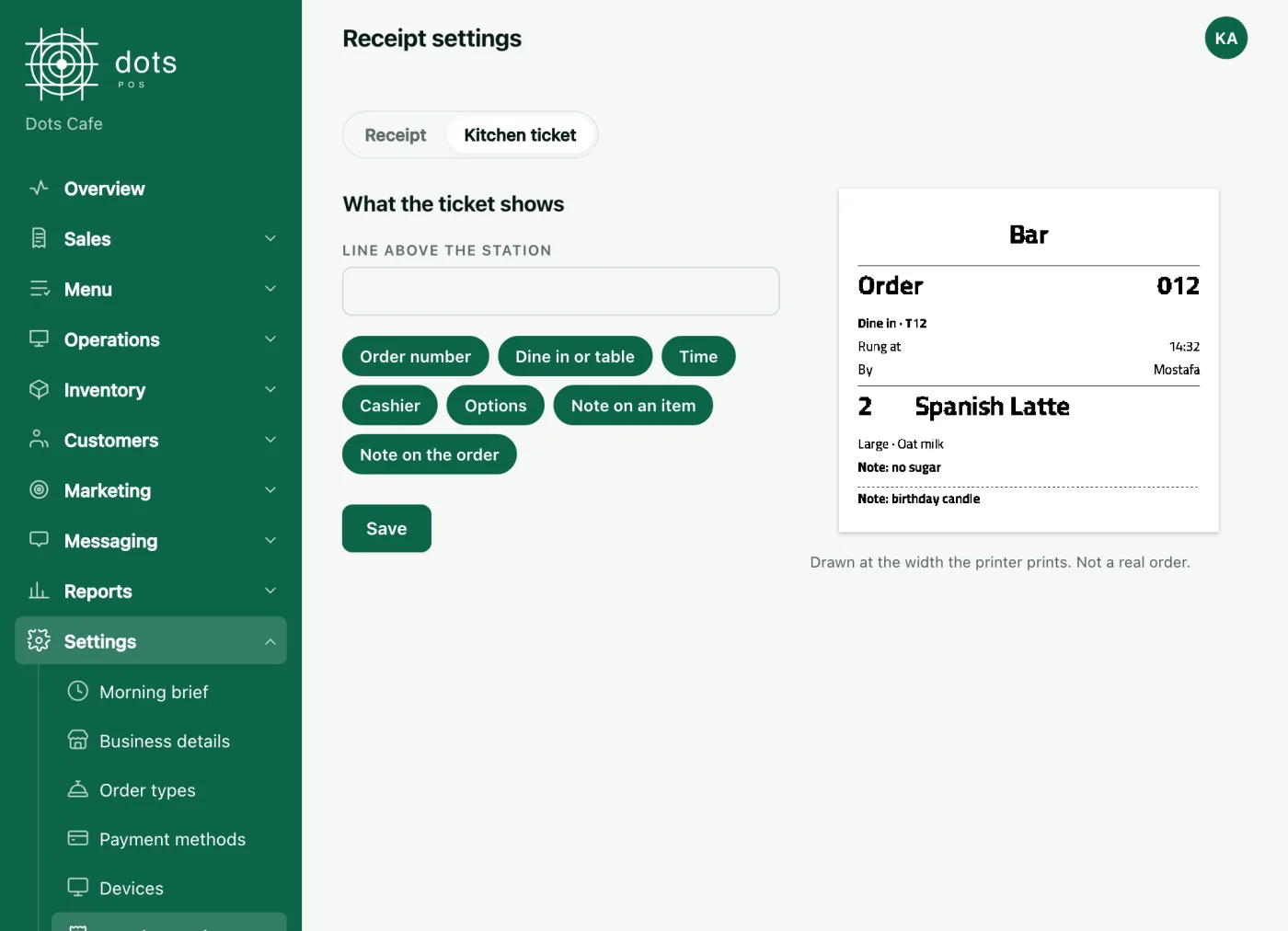
- Each item prints at its station, the barista or the kitchen, on network thermal printers.
- An item made at the counter stays without a station, so it gets no ticket and shows on the receipt only.
- The POS tells you if a ticket did not print, and a printer never stops a sale.
Payment
- One bill can be split between cash and card.
- The cash drawer opens on cash payments only.
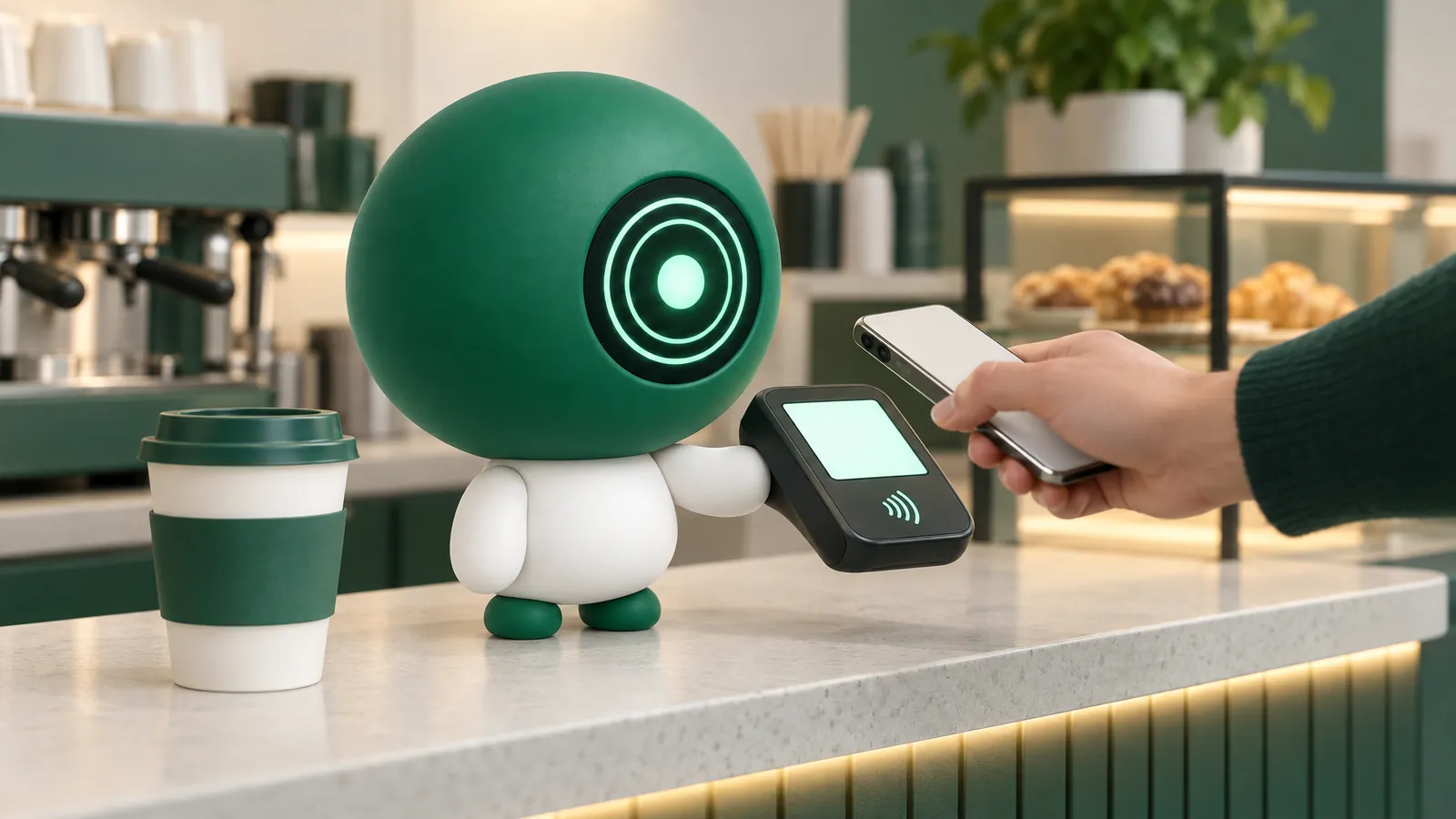
- The card terminal works on its own: the cashier records the card payment, and you match its total when the shift closes.
A second POS for the rush
Add a second device for the rush with no per-device fee, on an iPad or an Android tablet. Before the first rush, ring up an order on the second device and check its ticket reaches the bar.
The queue that never forms at your counter
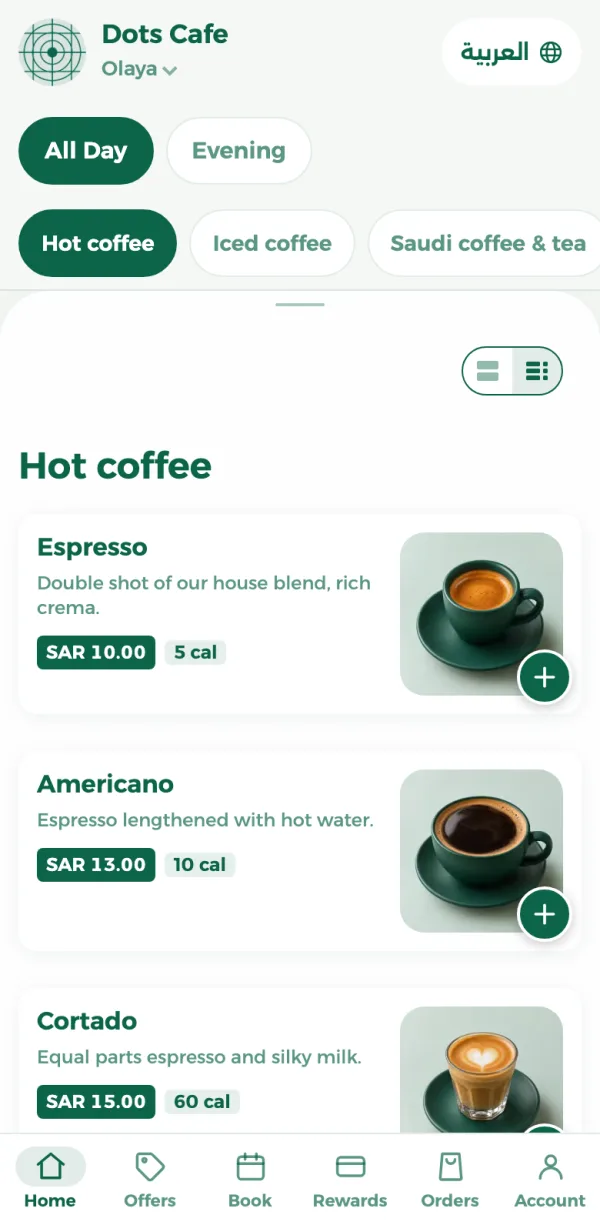
- From the online menu, the guest orders for pickup in the shop or at their car, by its colour and plate, and pays on pickup.
- A new order alerts the POS with a sound, and once it is accepted each station gets its ticket.
- Orders are accepted automatically or by hand, for each order type.
- The guest sees on their phone that the order is ready, and the order page updates by itself.
- An item you switch off on the POS because it ran out shows on the menu as unavailable.
Know your rush hour
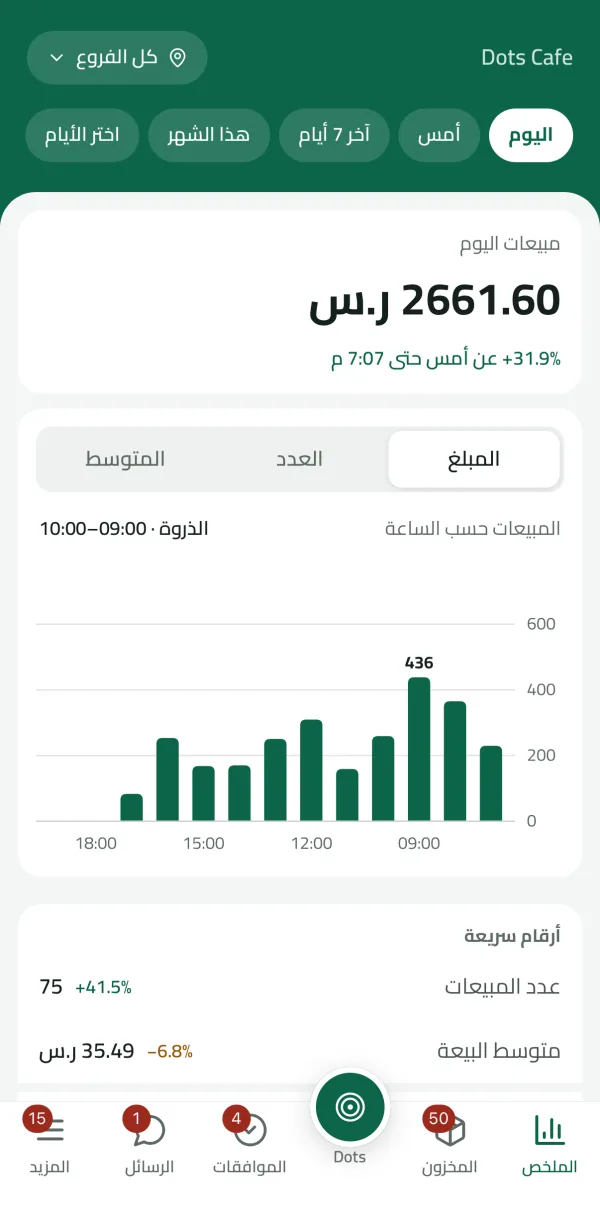
The sales report shows sales hour by hour and the best sellers, and the dots Teams app shows today’s sales against yesterday at the same hour, so you see the rush from your phone.
What it costs
The POS plan, with the online menu, is SAR 99 a month for the first branch, VAT included, each further branch at half price, and SAR 950 a year for one branch paid yearly.
Questions
Does the POS pick the usual size by itself?
Yes: the first available option in the size group, so put the most ordered one first.
Can a guest collect their coffee at their car?
Yes. They order from the online menu for pickup at the car, give its colour and plate, and pay on pickup.
How do I stop an item that ran out during the rush?
Switch it off on the POS, and the menu shows it as unavailable.
How do I find my coffee shop’s rush hour?
From the sales report hour by hour, and from the dots Teams app, which compares today with yesterday at the same hour.
Source: The coffee shops, POS and online menu pages on the dots site, the help articles on sizes and extras, printers and close of day, and dots POS prices.